torq Documentation
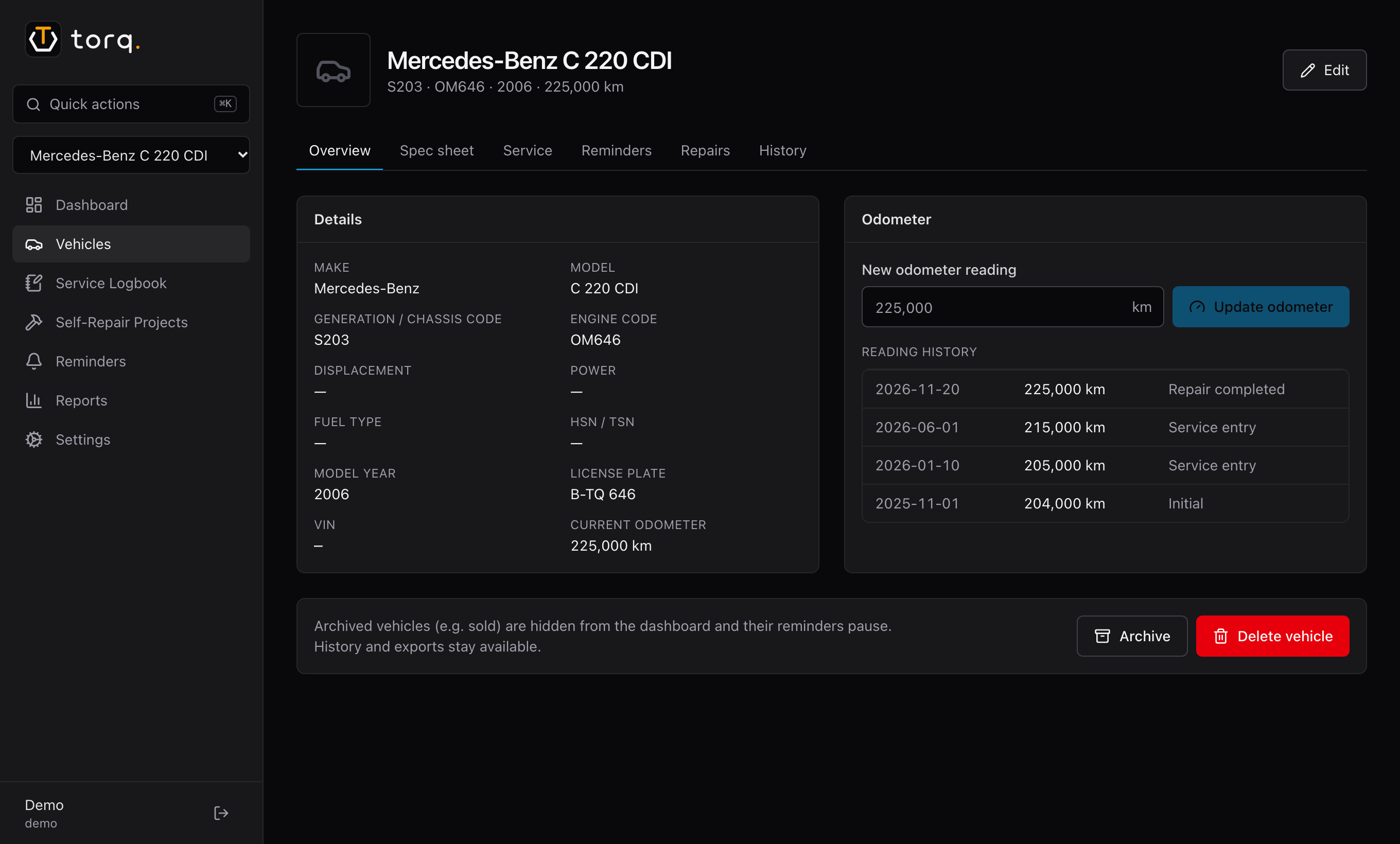
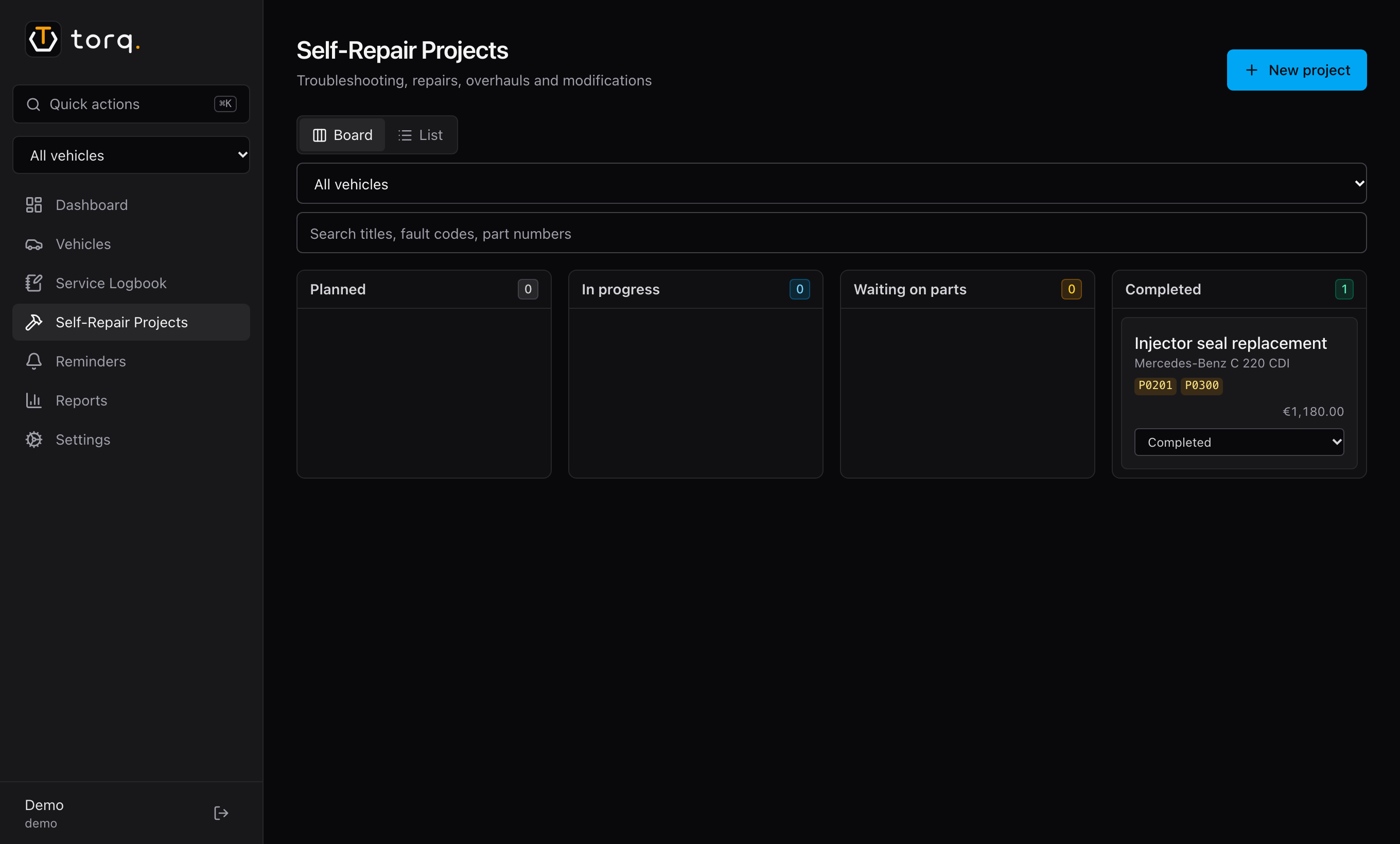
torq is a self-hosted maintenance logbook and DIY repair tracker for cars and motorcycles. It runs as a single small Docker container with an embedded SQLite database — your vehicle records, receipts, and photos stay on your own server.
Try it in 30 seconds
docker run -d --name torq --restart unless-stopped \
  -p 8080:8080 \
  -v torq-data:/data \
  -e TZ=Europe/Berlin \
  ghcr.io/app-torq/torq:latest
Open http://localhost:8080 and create the administrator account right away. Or try the public demo at demo.torq-app.tech (username demo, password password123).
Start here
| Guide | What you'll find |
|---|---|
| Installation | Run torq with Docker or Docker Compose, create the first account, and set up a reverse proxy |
| Configuration | Every environment variable, defaults, and where to place settings |
| Deployment | Run torq on a small VPS with HTTPS, Cloudflare Tunnel, and automatic updates |
Garage & maintenance
| Guide | What you'll find |
|---|---|
| Units and formats | Metric, US, or UK units, per-vehicle odometer unit, and date/time formats |
| Vehicle catalog | HSN/TSN quick-fill, make → model → chassis → engine lookups, online updates, and licenses |
| Motorcycles | Motorcycle vehicle type, catalog, spec sheet fields, and service categories |
| Spec sheet auto-fill | Look up fluids, capacities, lug torque, and tyre pressure on the web, with sources |
| Hour meters | Operating hours for tractors, machinery, or generators, with hour-based reminders |
| Reminders | Distance, hour, or time intervals, due-soon windows, and never-done items |
| Accessories | Aftermarket parts fitted after purchase, with costs, warranty, invoices, and photos |
Repair projects & sharing
| Guide | What you'll find |
|---|---|
| Project priorities | Custom priority levels to sort and filter repair projects |
| Project tags | Free-form tags and tags: search syntax |
| QR codes | Printable QR labels per vehicle that open it directly in torq |
| Public vehicle links | Read-only maintenance record for a workshop or buyer without an account |
Team, security & branding
| Guide | What you'll find |
|---|---|
| Roles and permissions | Control what each user can change, which vehicles they see, and what fields are hidden |
| Two-factor sign-in & passkeys | Authenticator apps (TOTP), recovery codes, and passkeys |
| Password reset | Self-service password resets and email invitations for users |
| Shop name and logo | Custom instance name, logo, and contact details in the app and printed history |
| Legal notice & privacy | Link your own Impressum and privacy policy from every page |
Notifications & operations
| Guide | What you'll find |
|---|---|
| Notifications and webhooks | Discord, ntfy, Gotify, Home Assistant, and generic JSON payloads |
| Email notifications | Due, overdue, and digest emails through your own mail server |
| Using torq on your phone | Install torq as a Progressive Web App (PWA) from Safari or Chrome |
| Data and backups | /data layout, online backups, secret.key, upgrades, and rollbacks |
| Privacy notes for operators | What torq stores and sends, as input for your own privacy policy |
| API and apps | REST API overview, Bearer token sign-in, compatibility, and Devices list |
| Troubleshooting | Solutions for common reverse-proxy, HTTPS, backup, and email issues |
Looking for developer or contributor docs?
Guides for building torq from source, running tests, and contributing code live in the torq GitHub Wiki (Development).